> ## Documentation Index
> Fetch the complete documentation index at: https://docs.open-hive.com/llms.txt
> Use this file to discover all available pages before exploring further.
# Org chart
> See every queen and colony in your workspace at a glance.
**Configuration → Org Chart** is the map of your workspace: every
[queen](/concepts/queens), the [colonies](/concepts/colonies) under her, and what each
one is doing right now.
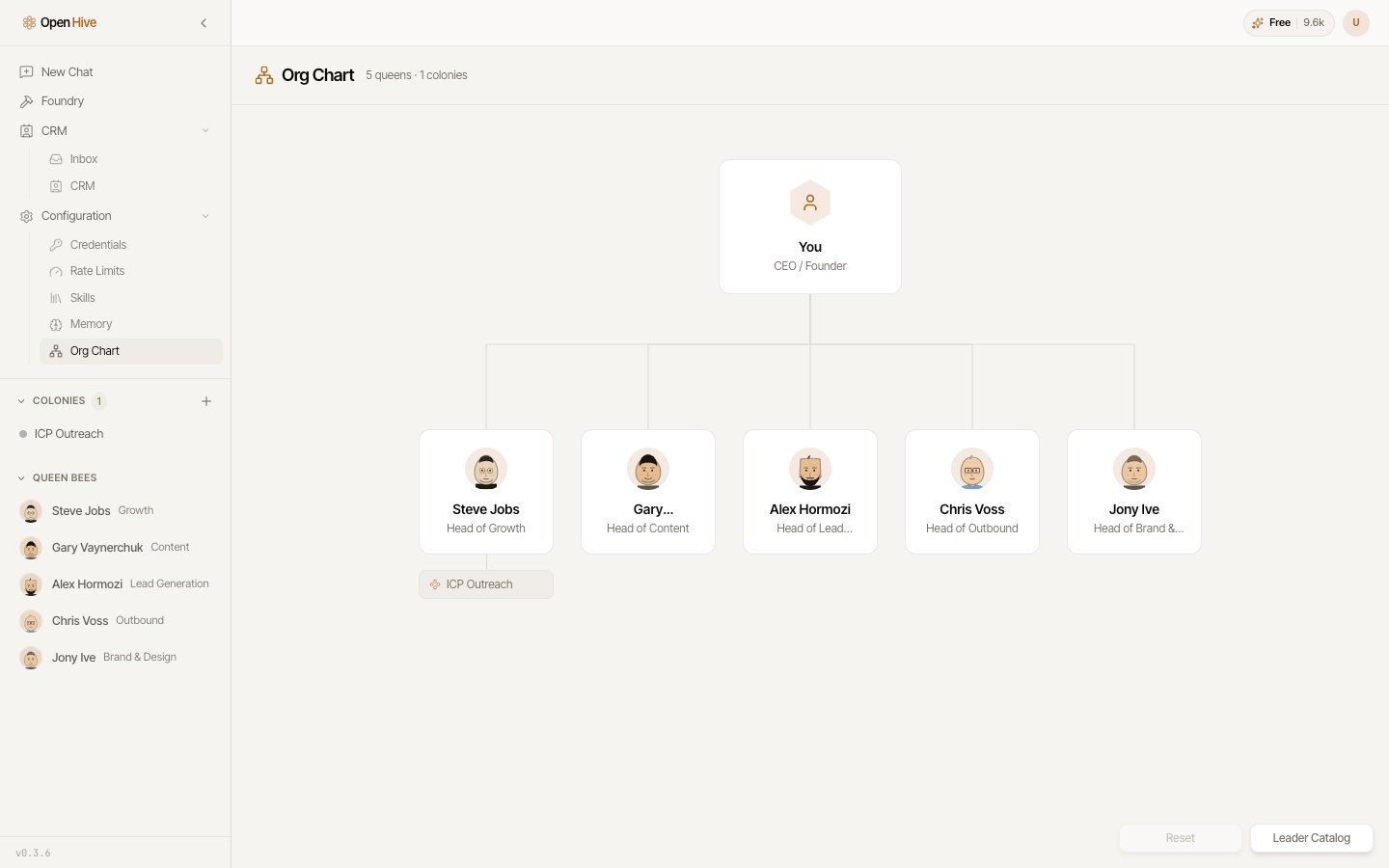 It's the fastest way to answer "what is my hive actually working on" without opening
colonies one at a time — live status is shown inline for everything.
## Interacting
* **Click** a queen to open her profile.
* **Drag** to rearrange the layout. Positions are saved.
* **Reset queen positions to the default layout** restores the standard arrangement, and
an undo restores your positions if you reset by mistake.
## Activating and deactivating queens
Deactivate a queen you don't need and she leaves routing and the sidebar without losing
history. She stays visible here as *Deactivated — click to reactivate*, and reactivating
restores everything.
You can also set a queen as **lead** from this view.
It's the fastest way to answer "what is my hive actually working on" without opening
colonies one at a time — live status is shown inline for everything.
## Interacting
* **Click** a queen to open her profile.
* **Drag** to rearrange the layout. Positions are saved.
* **Reset queen positions to the default layout** restores the standard arrangement, and
an undo restores your positions if you reset by mistake.
## Activating and deactivating queens
Deactivate a queen you don't need and she leaves routing and the sidebar without losing
history. She stays visible here as *Deactivated — click to reactivate*, and reactivating
restores everything.
You can also set a queen as **lead** from this view.