

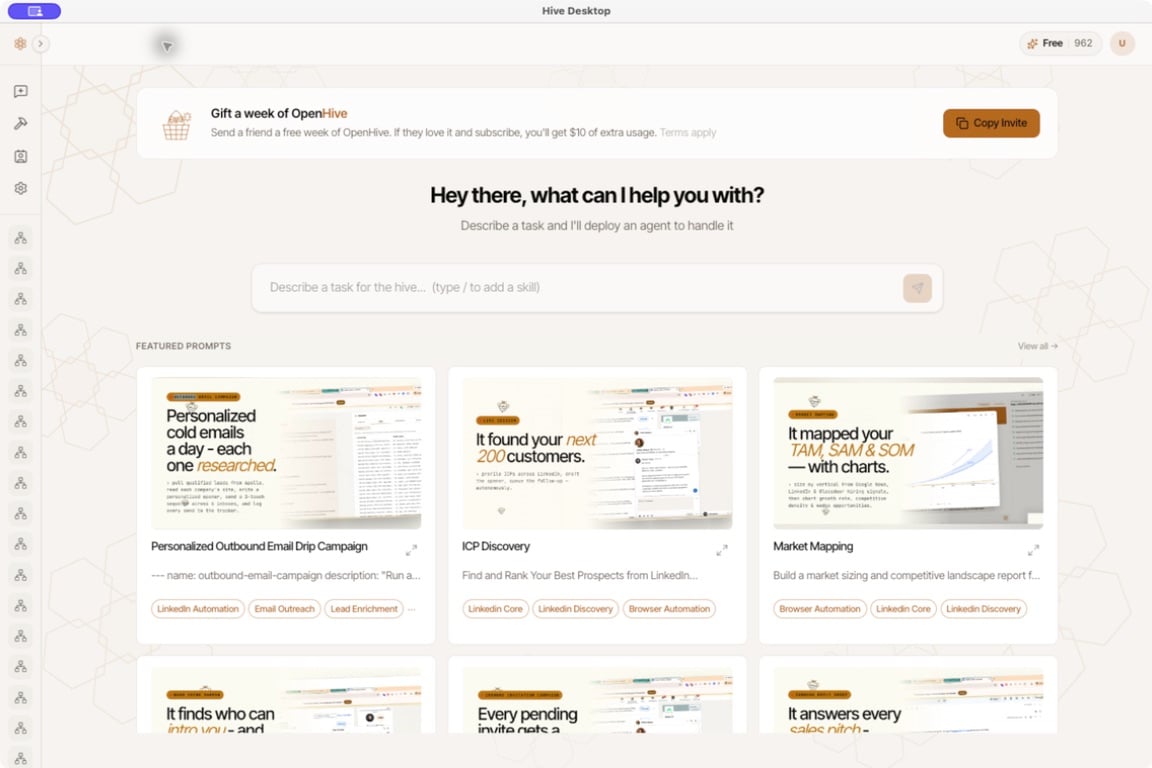
OpenHive Desktop 0.3.6: start a task from the prompt box or browse featured prompts. The sidebar is collapsed in this screenshot.
Start with one useful result
For your first run, choose a small task with an output you can check. A comparison of three competitors is a better starting point than an open-ended instruction to grow your business.Run your first task
Install, sign in, and produce a competitor comparison with sources.
Find and qualify prospects
Define your ideal customer and review a short, evidence-backed prospect list.
Work with a colony
Find results, understand status, and steer work that needs your attention.
Put work on a schedule
Repeat a tested task and check when it will run next.