

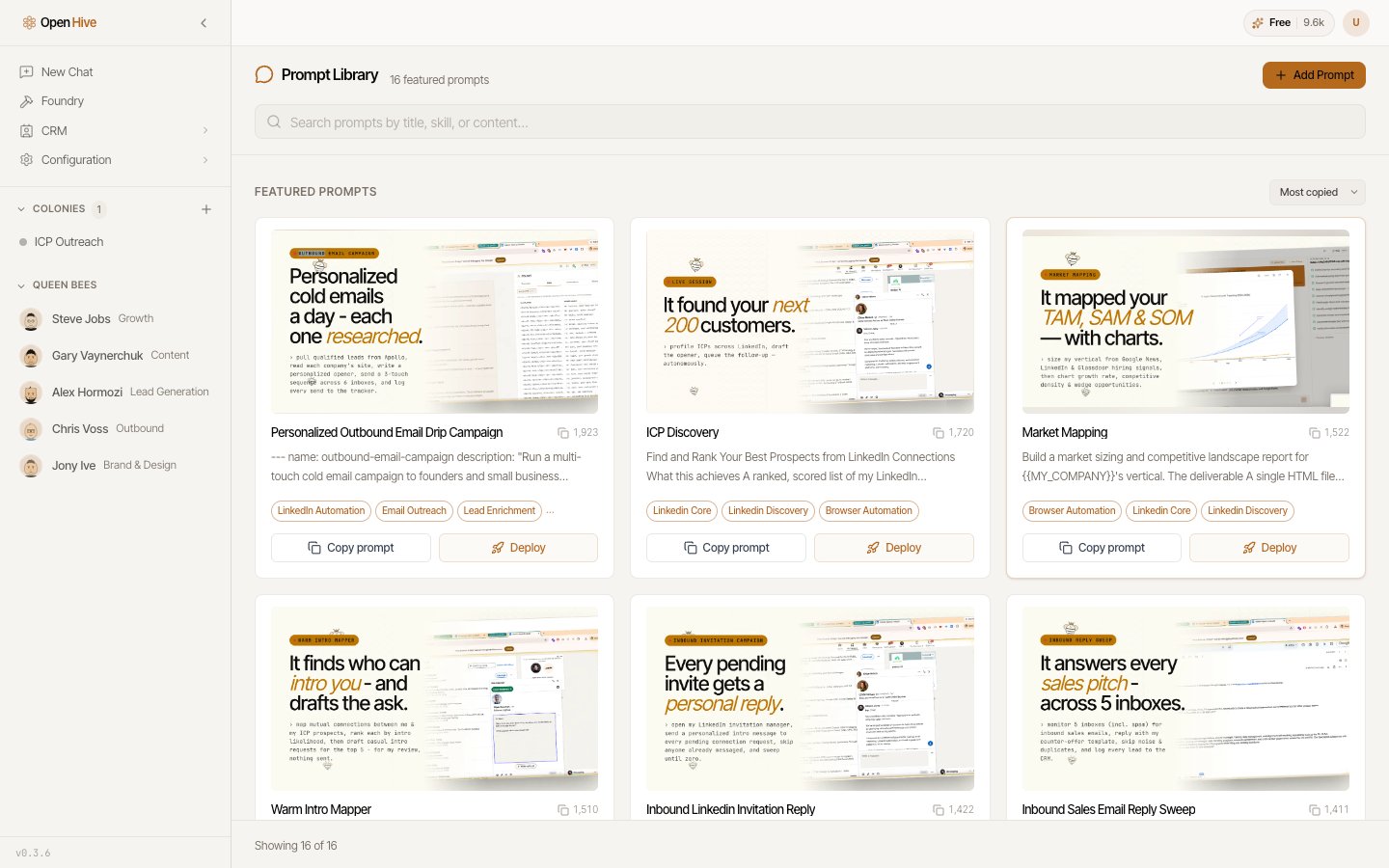
The prompt library provides templates to inspect and customize before use.
Choose a prompt
Search by title, task, or skill. Open the details to read the full prompt rather than relying on the card summary. Look for a match to your desired output. A lead-research prompt, an outreach-drafting prompt, and an outreach-sending prompt can use similar inputs but authorize different actions.Customize before running
- Choose Customize prompt when you need to edit the brief.
- Replace variables with your actual company, audience, account, links, and limits.
- Remove steps you do not need.
- State what the agent must produce and where it must stop.
- Review any sending, publishing, or record-writing instructions.
Deploy
Deploy as a new colony creates a colony for the workflow. Review the final request and required connections before starting it. Follow progress and inspect results in the colony workspace. If you want repeated execution, test a run first, then configure Scheduler. A persistent colony is not automatically a recurring schedule.Save and share
- Add Custom Prompt creates your own reusable prompt.
- Save as my prompt preserves a customized version.
- Submit prompt for review proposes it for the shared catalog; submissions can remain pending review.