

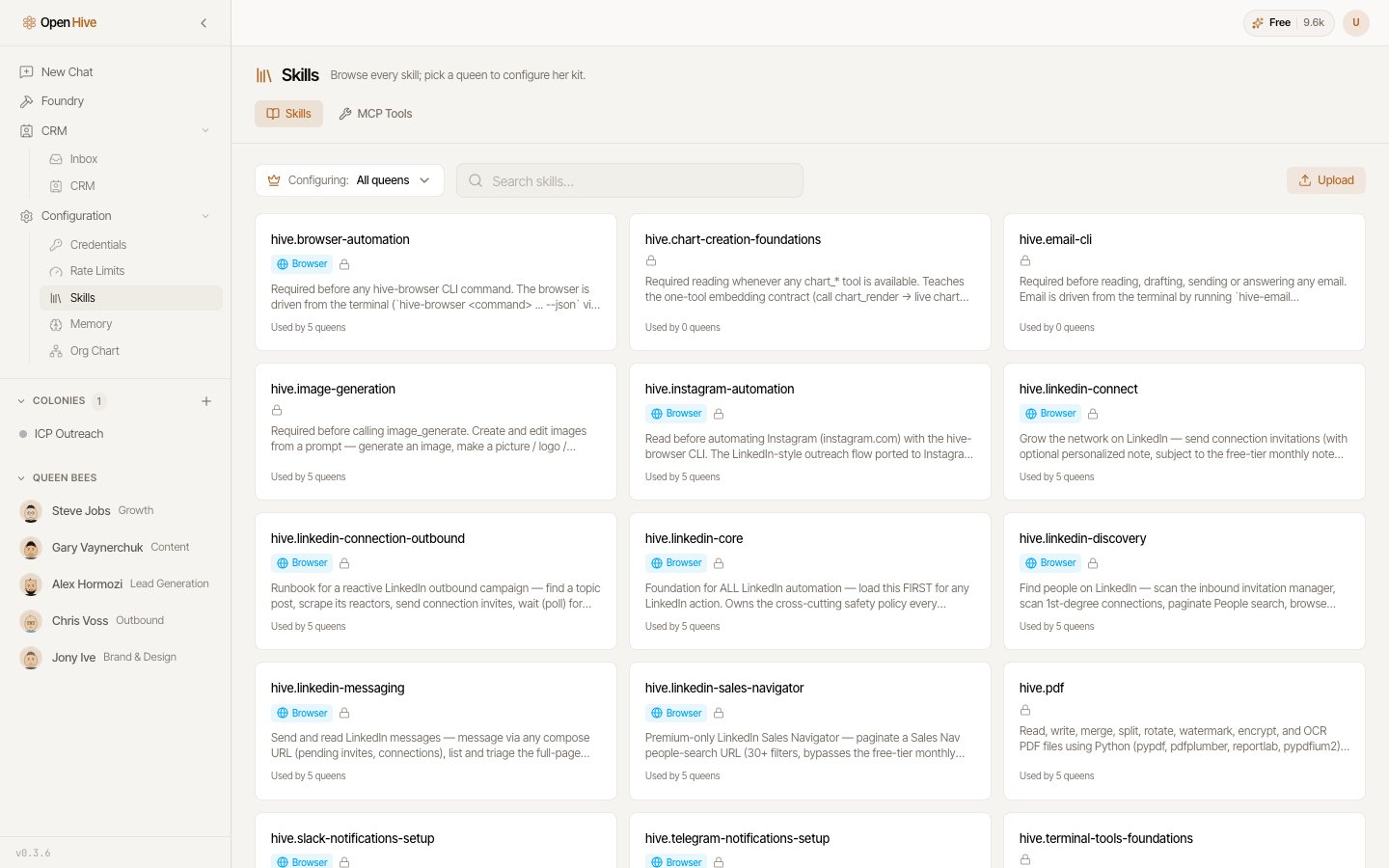
The skills library lets you inspect procedures before using them.
Find and inspect a skill
Search for the task you want to perform. Read the skill’s description, instructions, and required connections. A Browser badge identifies browser-related skills. Selecting it opens the browser-extension setup path; see Connect your browser. Use/ in a supported prompt box to choose a skill for a request. Supply your own inputs and output requirements rather than expecting the skill to infer every business detail.
Scope skills to the work
Use the queen-specific configuration controls when you need to adjust a queen’s available skills. Check the selected queen and scope before changing an entry. Some skills are built in and cannot be edited or deleted from the library. The available controls reflect that distinction.Create or upload your own
Provide a name, a short description, and a Markdown procedure. Uploads accept.md and .zip; use a package when supporting files belong with the skill.
Include:
- Inputs the procedure needs.
- Tools or connections it depends on.
- Steps and checks for the result.
- Actions that require a review point.
- What to do when required information is missing.