

Screenshots show the desktop interface with fictional example data. Names, messages, counts, and connection states are illustrative, not account defaults or evidence of live activity.
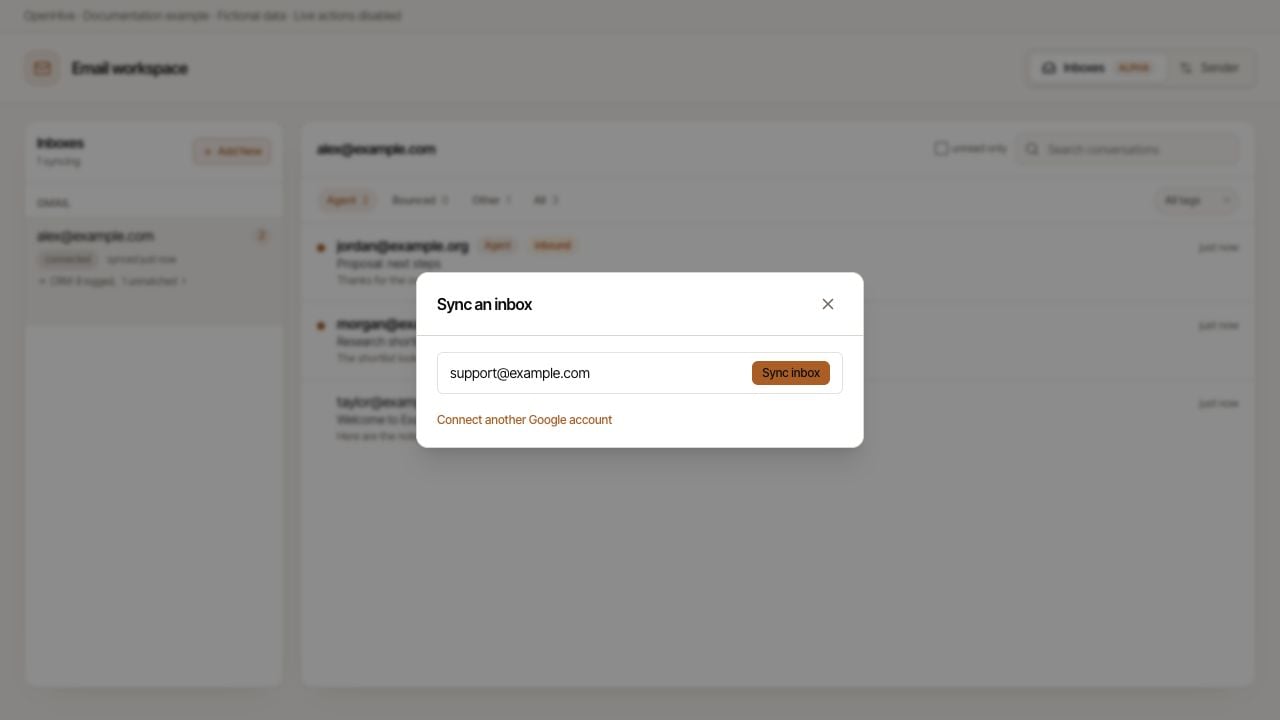
Sync an inbox using an example mailbox address.
Connect a readable inbox
- Open Sync an inbox.
- Find the connected mailbox you want and choose Sync inbox, or the available Read the inbox action for a compatible delivery account.
- Select the mailbox in the inbox sidebar.
- Wait for its initial import and inspect the status.
Understand sync status
Sync now requests synchronization; it is not an instant refresh of the entire mailbox. A displayed sync timestamp is not a guarantee that the latest import completed successfully.
Disconnect asks for confirmation. Use it only when you intend to disconnect that inbox, not as the first response to a slow import.
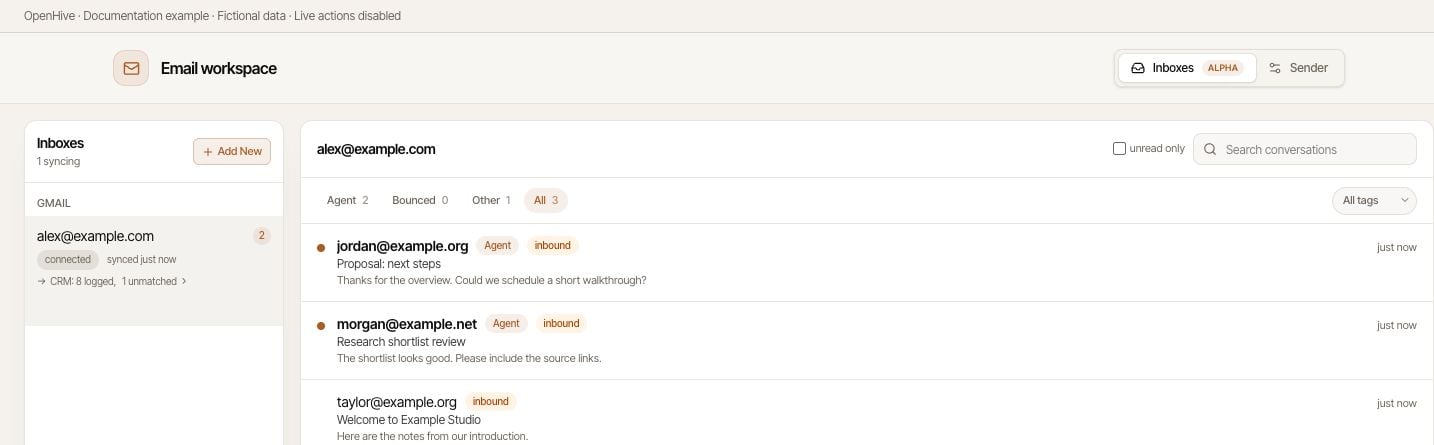
Use mailbox, category, and tag filters to narrow the conversation list.
Find a conversation
Select the mailbox, then use Search conversations. Narrow the list with the category tabs Agent, Bounced, Other, and All. Additional controls include the unread-only filter and a tag selector with All tags, Inbound, Outbound, and Bounced. Categories and tags are separate filters; a restrictive combination can hide the message you want. For a missing conversation, start with All, All tags, unread-only turned off, and an empty search. Then check the mailbox and sync status before reconnecting anything.Read without changing the source mailbox’s read state
Open a conversation to inspect its messages. Opening a thread in OpenHive does not mark it read on the original platform or send that platform a read receipt. OpenHive can update its own local seen/unread state separately. Read the complete thread before responding, particularly if another person or agent may already have answered. Follow Draft, preview, and send a reply for the composer, AI assistance, attachments, and error handling.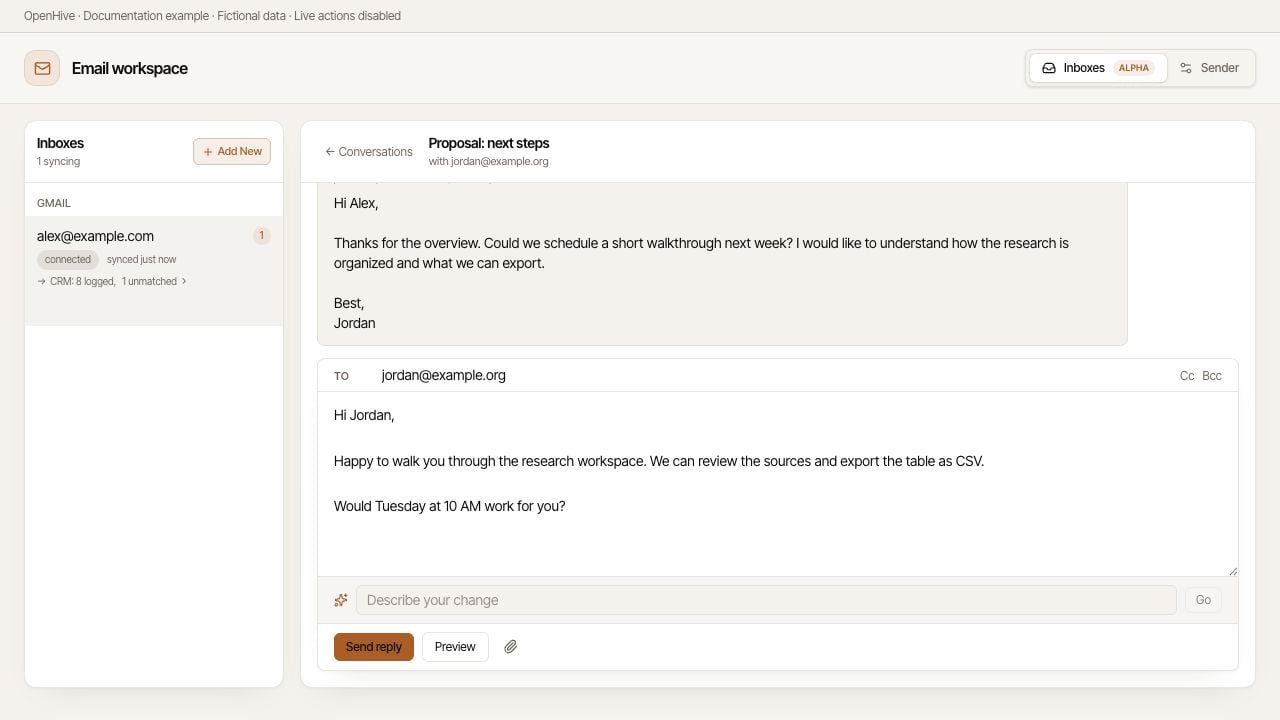
An example thread with a reply draft open; nothing has been sent.